
The applicazione mobile 888casino app offers players full access to slot games on phones and tablets without a browser. Get the software from the operator’s site, load it once, and log in with the same account used on desktop. The app keeps the same games and account tools while adapting the layout for smaller screens and touch controls.
FAQ
Is it necessary to have a separate account for the app?
Not at all. The same username and password utilized on the desktop site work inside the app. Fresh users can register directly in the mobile software using the same verification steps demanded on the website.
Can I play without downloading anything?
Certainly. The mobile browser version at 888casinos.it remains accessible and reflects the full game catalogue. The app simply adds faster loading, biometric login, and push notifications that the browser is unable to deliver.
Are withdrawals processed differently on mobile?
No need. Withdrawal requests submitted via the app adhere to the same verification and processing timeline as those done on the desktop site. Funds are sent to the payment method selected during the request.
What occurs if I update my phone’s operating system?
The app remains functional after an OS update as long as the new version stays within the supported range. If compatibility fails, the next app update will feature fixes; players are given an automatic prompt to install it.
Protection Features and Responsible Play Tools
Information between the app and servers moves through TLS encryption. The operator keeps device identifiers to identify unusual login patterns and can request extra verification when risk signals appear. Members can configure a daily deposit limit or a cool-off period right from the responsible-gaming menu.
Reality-check pop-ups stop play at chosen intervals and show session length along with net win or loss figures. Choosing “Take a Break” terminates the game window at once and prevents re-entry for the chosen time, giving users a direct way to manage play length.
Available Devices and Operating Systems
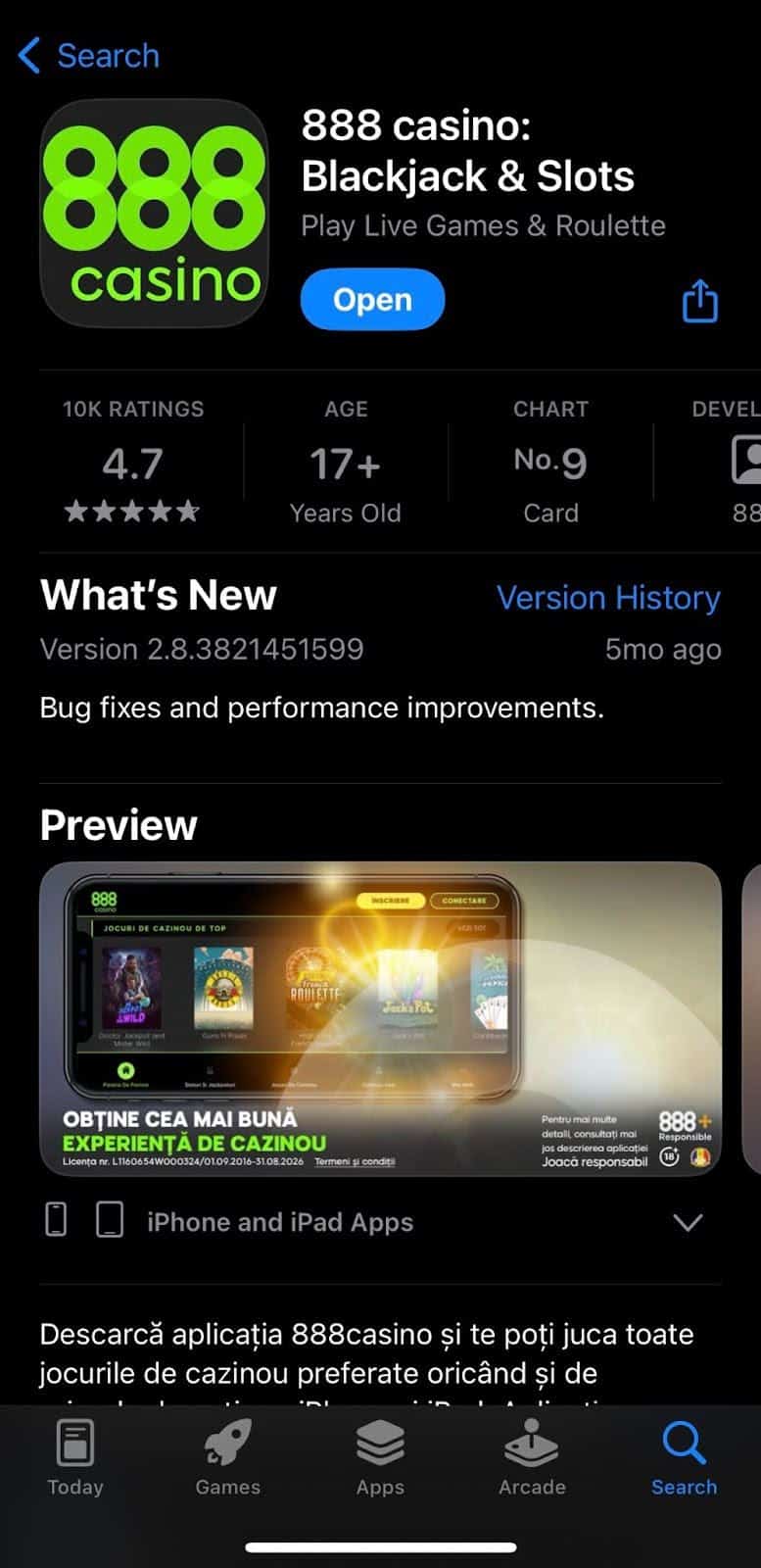
The app functions on both iOS and Android. Apple devices require iOS 13 or later and work on iPhone 8 and newer models plus recent iPads. Android support begins at version 7.0 and covers current Samsung, Google Pixel, and Xiaomi phones. Older devices may still open the software, but graphics and speed decline when the operating system drops under the listed minimum.
Screen handling handles phones and tablets. The layout shifts automatically so spin buttons remain within thumb reach on smaller displays and reel graphics enlarge on tablets. Players with foldable phones see the reels stretch across the wider inner screen without any manual adjustment.
Performance, Data Use and Battery Effect
Slot animations operate at 60 frames per second on recent hardware with a steady Wi-Fi or 4G link. Older processors may struggle during complex bonus rounds. Data use averages 4–6 MB per minute of standard play and increases above 10 MB per minute when high-definition graphics are activated in settings.
Battery drain equals other media apps. One hour of slot play requires 8–12 % of a full charge on a modern smartphone. A low-power mode inside the app decreases animation detail and data use at the cost of visual quality.
Core In-App Features for Slot Play
The lobby presents slot games in searchable groups such as “New,” “Popular,” and “Jackpot.” Filters sort titles by volatility or theme, and a search bar allows direct title entry. Tapping a game tile starts it full screen within seconds if the connection meets the minimum speed.
Inside any slot, players modify bet size with plus-minus buttons or a slider. Quick-spin speeds up reel animations, and a mute icon mutes background music without cutting win sounds. Session reminders show up after one hour of play and show elapsed time plus total amount wagered.
Notification Alerts and Game Alerts
Users can turn on push messages for new slot releases or daily free-spin offers. Each alert holds a direct link that opens the game once the app is unlocked. Notification settings are located in the profile menu and can be switched for different message types.
Setup Process for Android & iOS
Android customers visit the official 888 Casino page in any mobile browser. They tap the “App” banner, allow installs from unknown sources in device settings, then get the APK. After the file completes, they run it and proceed with the steps to complete installation. No Google Play Store listing exists, so manual installation is the sole choice.
iOS customers launch Safari, go to the same site, and select the iOS download link. The browser routes them to the App Store page for 888 Casino. They click “Get,” verify with Face ID or their Apple ID password, and anticipate for the icon to land on the home screen. Updates arrive through the App Store after the initial install.
Account Login After Installation
The opening asks for the existing username and password. Players who lack an account can set one up inside the app using the same fields demanded on the website. Two-factor codes, if enabled, are input on the next screen before the lobby appears.
Differences Between App and Desktop Site
The browser version shows extra filters on one screen and supports multi-window work. The app trades some of that width for one-handed use and cached storage of selected game assets. Deposits and withdrawals stay the same, but the app adds biometric login that the browser version lacks.
Live-chat support shows up as a floating bubble on the app, while the website places it in a corner of the lobby. Game loading is faster on the app because assets stay on the device after the first launch, reducing repeated server calls during the same session.
